
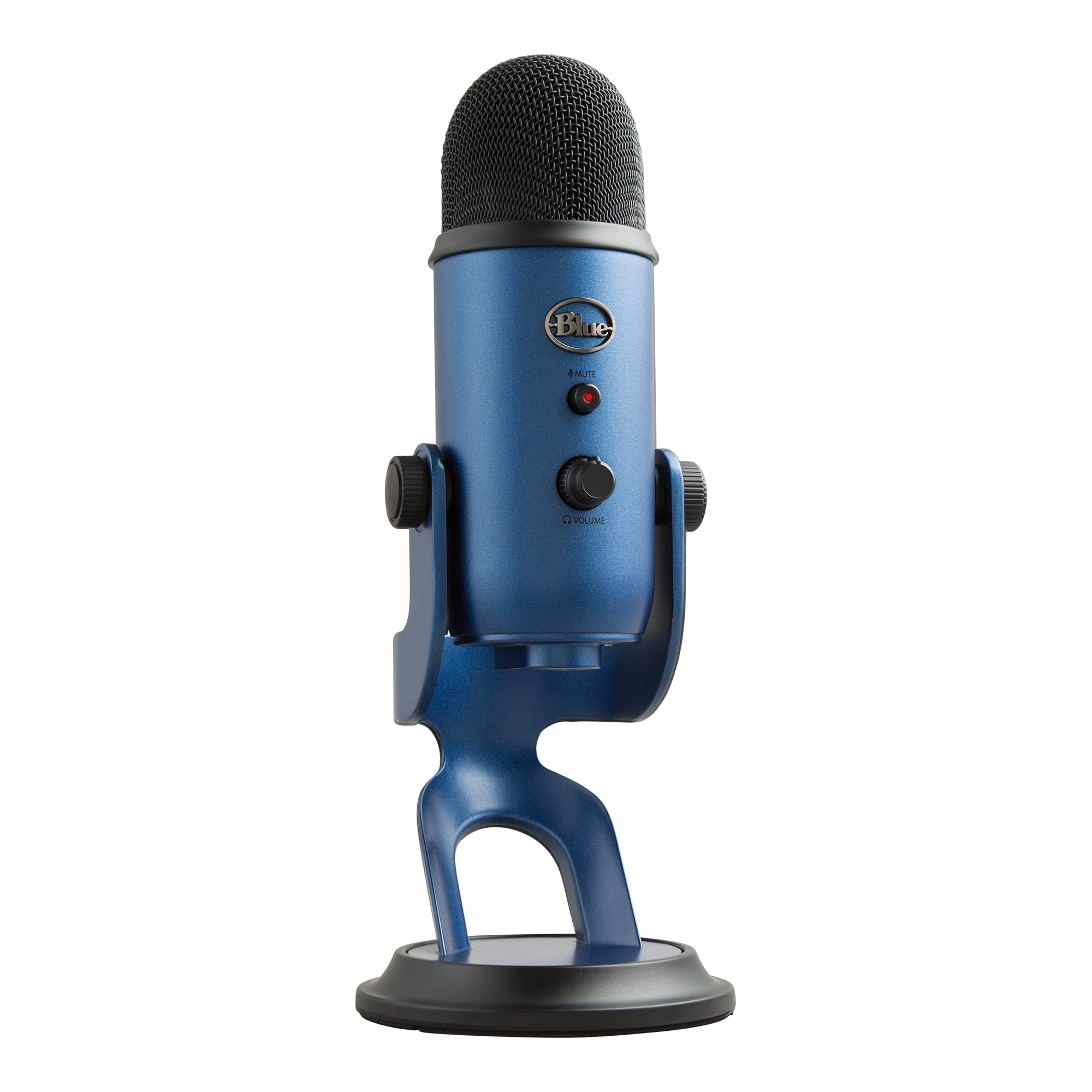
The Blue Yeti USB Microphone is a versatile desktop microphone designed for recording high-quality audio directly to a computer. It is commonly used for podcasting, voiceovers, interviews, music recording, video narration, and other digital media projects.
To record, the microphone connects to a computer through USB and is selected as the audio input in recording software. Users can adjust microphone gain, monitor audio through the built-in headphone jack, and choose between cardioid, omnidirectional, bidirectional, and stereo pickup patterns. Each pattern is suited to different recording situations, from a single speaker to conversations or musical performances.
Compatible Equipment & Software
The Blue Yeti works with compatible Windows, Mac, and Chromebook computers and recording applications such as Audacity, Audition, GarageBand, and other audio-production software. It connects directly through USB without requiring an external audio interface.
Before You Begin
The Yeti is a sensitive microphone that can pick up background noise, vibrations, and unwanted sounds. Position the microphone on a stable surface, avoid pulling on its USB cable, and keep liquids away from the microphone and computer.
Speak toward the side of the microphone rather than the top, and adjust the gain to prevent distorted audio. When using headphones, begin at a low volume to protect your hearing. Avoid tapping on or around the microphone or moving the microphone while recording.
New to audio recording? Start with cardioid mode for recording a single speaker and practice microphone positioning, gain adjustment, and monitoring audio levels before experimenting with other pickup patterns.
Version 1.0.0