
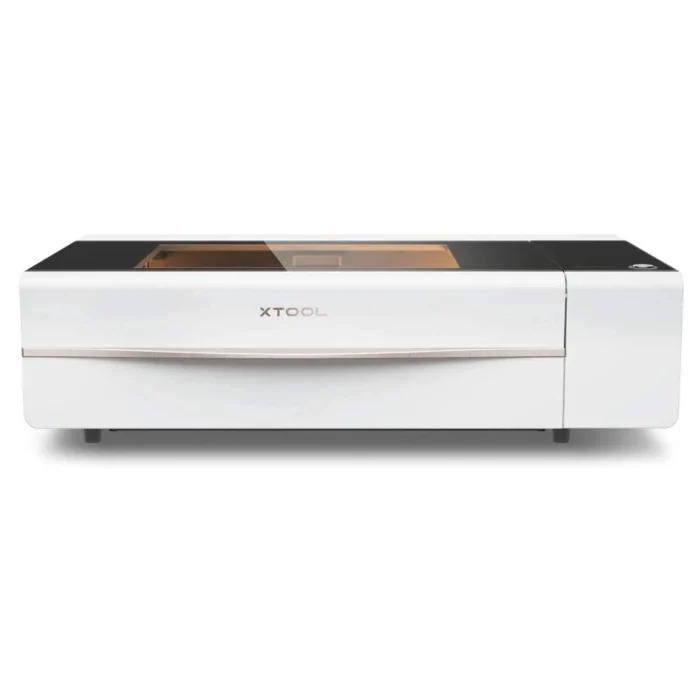
The xTool P2 is a CO₂ laser cutter and engraver used to precisely cut, engrave, and mark a variety of materials. It can be used to create signs, prototypes, models, stencils, décor, engraved artwork, and custom parts. Designs are created or imported into xTool Creative Space, where users position their design and select settings such as laser power, speed, and number of passes.
During operation, a focused laser beam moves across the material to cut completely through it or remove a thin layer of the surface to create an engraved design.
Compatible Materials
The P2 can process many materials, including wood, plywood, acrylic, cardboard, leather, fabric, and some coated or finished materials. Not every material is laser-safe, even if the laser is capable of marking or cutting it. Never process PVC, vinyl, unknown plastics, or other unapproved materials, as they may release hazardous or corrosive fumes.
Before You Begin
Laser cutting involves high temperatures, fire risk, fumes, and laser radiation. Only use approved materials and operate the machine with its required ventilation or filtration system. Keep the machine and surrounding area free of flammable materials and debris.
Never leave the laser cutter unattended while it is operating. Keep the lid closed, do not bypass safety features, and stop the machine immediately if material catches fire or you notice unexpected smoke or behavior.
New to laser cutting? Begin with an approved material and a simple design to learn material placement, focusing, power, speed, and safe operating procedures before attempting more complex projects.
Knowledge Test and Skills Waiver
Resources
Maintenance and Troubleshooting