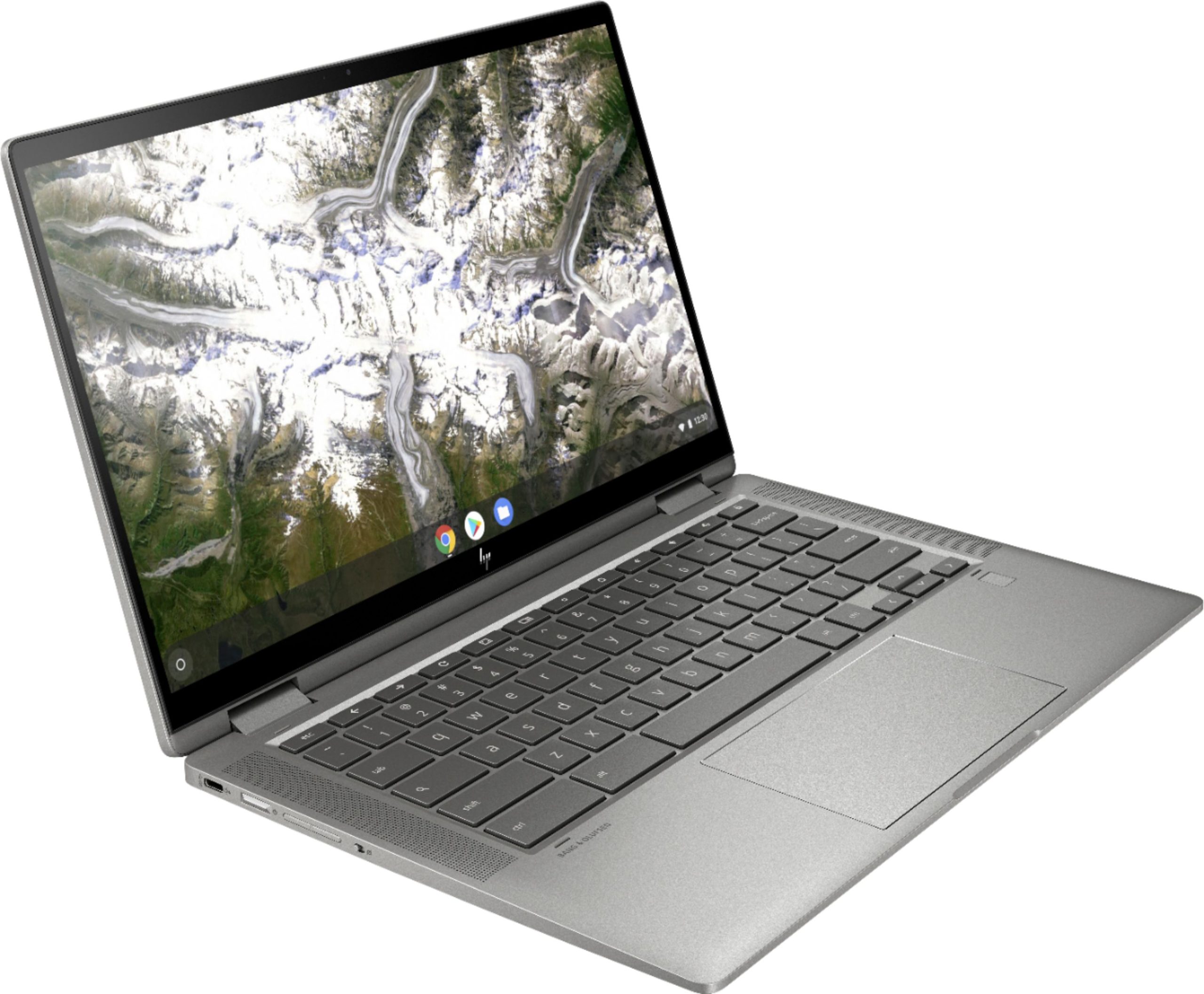
Chromebooks are lightweight laptop computers that run Google's ChromeOS operating system. Their portable design and access to web-based applications make them useful for creating digital content, collaborating on projects, and accessing online learning resources throughout the makerspace.
Chromebooks operate through the Google Chrome browser, allowing users to access websites, cloud-based tools, and compatible applications.
Compatible Equipment & Software
Chromebooks support web-based applications such as Google Workspace, Canva, Scratch, and Tinkercad, making them useful for graphic design, introductory coding, and 3D modeling. They can also connect to compatible USB microphones, webcams, mice, keyboards, headphones, and other peripherals.
Before You Begin
Handle Chromebooks carefully and keep liquids, dust, and other materials away from the keyboard, screen, and charging ports. Use compatible charging equipment and avoid placing laptops near moving machinery, cutting tools, or other hazardous equipment.
Save your work regularly and confirm that important files are stored in an accessible location. When using shared Chromebooks, sign out of personal accounts and remove any sensitive files before returning the device. Always follow the makerspace's guidelines for downloading applications and connecting external devices.