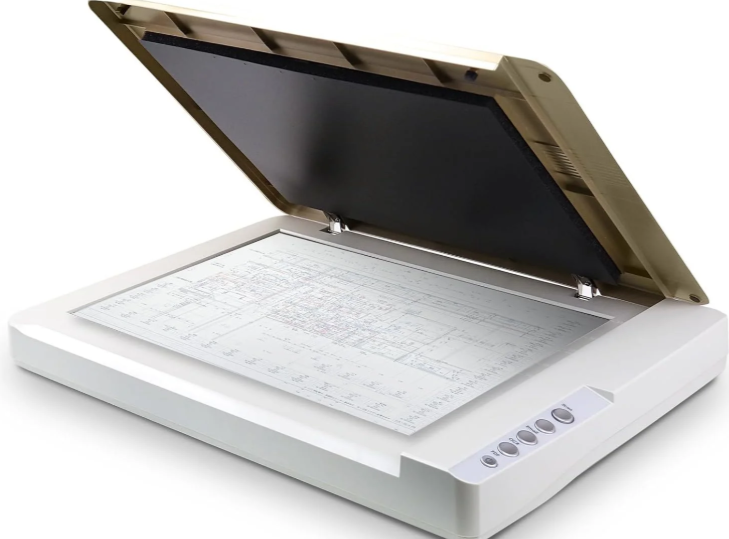
The Plustek OpticSlim Large Format Scanner is a flatbed scanner used to convert physical documents, photographs, illustrations, and other printed materials into digital files. Its large scanning surface accommodates oversized materials, making it useful for digitizing artwork, preserving documents, scanning drawings, and creating digital resources for design and educational projects.
To scan, a document or image is placed face down on the scanner's glass surface. Using the scanner's software on a connected computer, users select settings such as resolution, color mode, and file format. The scanner captures the image and saves it as a digital file that can be edited, printed, or shared.
Compatible Materials & Software
The OpticSlim can scan paper documents, photographs, drawings, illustrations, and other flat materials that fit within its scanning area. Depending on the model, the scanning surface may accommodate documents up to approximately 11.7 × 17 inches (A3 size). Scanned images can be saved in common formats such as JPEG, PNG, TIFF, or PDF, depending on the software.
Before You Begin
Handle the scanner carefully and keep liquids, dust, and sharp objects away from the glass scanning surface.
Position documents gently and avoid forcing the scanner lid closed over thick or oversized materials. Check the scanning resolution and file format before beginning, and make sure important files are saved to an accessible location.